Online certificate verification by QR code and serial number
Certificate Generator embeds a QR code in every certificate PDF. Scanning it opens a public verification page on your own site that confirms the certificate is authentic. Visitors can also search by serial number or email. Verification needs no login and is included on every plan, including Free.
QR codes are added automatically
The QR code is generated during PDF creation by a library bundled with the plugin — there is nothing to configure. It links to your site's /verify-certificate/ page.
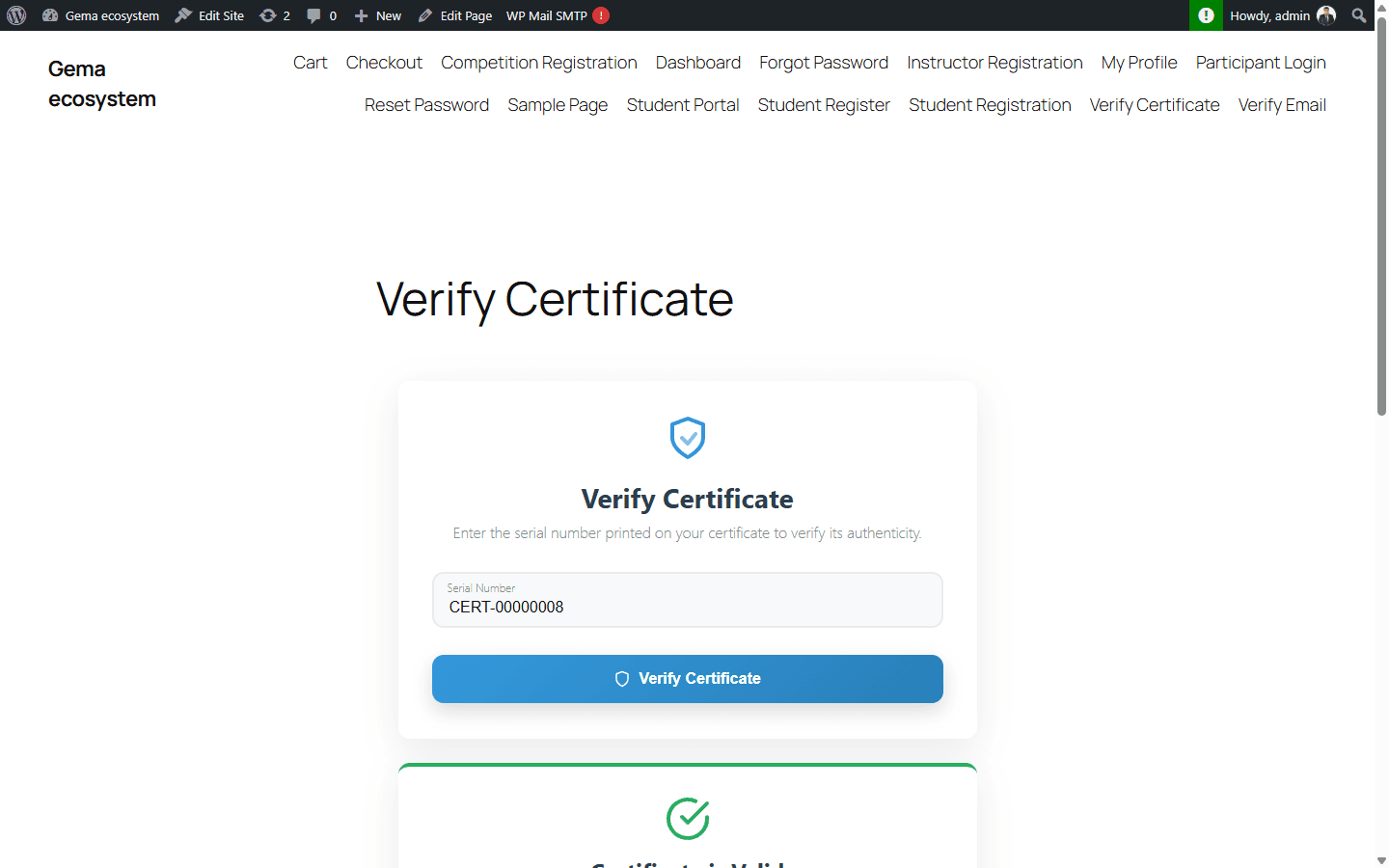
Verify by serial number or email
Each certificate has a unique serial number in the format PREFIX-{YEAR}-{SEQ} (for example GEMA-2025-00142). On the results page, visitors can look a certificate up by serial number or by email address.
Developers can also verify a serial through the public REST endpoint /verify/{serial}, which needs no API key.
Add a verification form anywhere
The [cg_verify_certificate] shortcode places the verification form on any page or post. Revoked certificates are shown as revoked when checked.
Because verification happens on your website, it must be publicly reachable for other people to verify certificates — a local development site can generate QR codes, but outsiders can't open the links.
Documentation
Related features
Evaluating options? See the requirements checklist or how Certificate Generator compares with other certificate plugins.